
The presentation engine for advisory work
Consulting-grade decks, generated.
Give Whyston a brief and your files. It builds the storyline, writes titles that make a point, backs every number with a source, and hands you an editable PowerPoint. Your first 3 decks are free.
Free to start · Native PPTX export · EU-based, GDPR-aligned
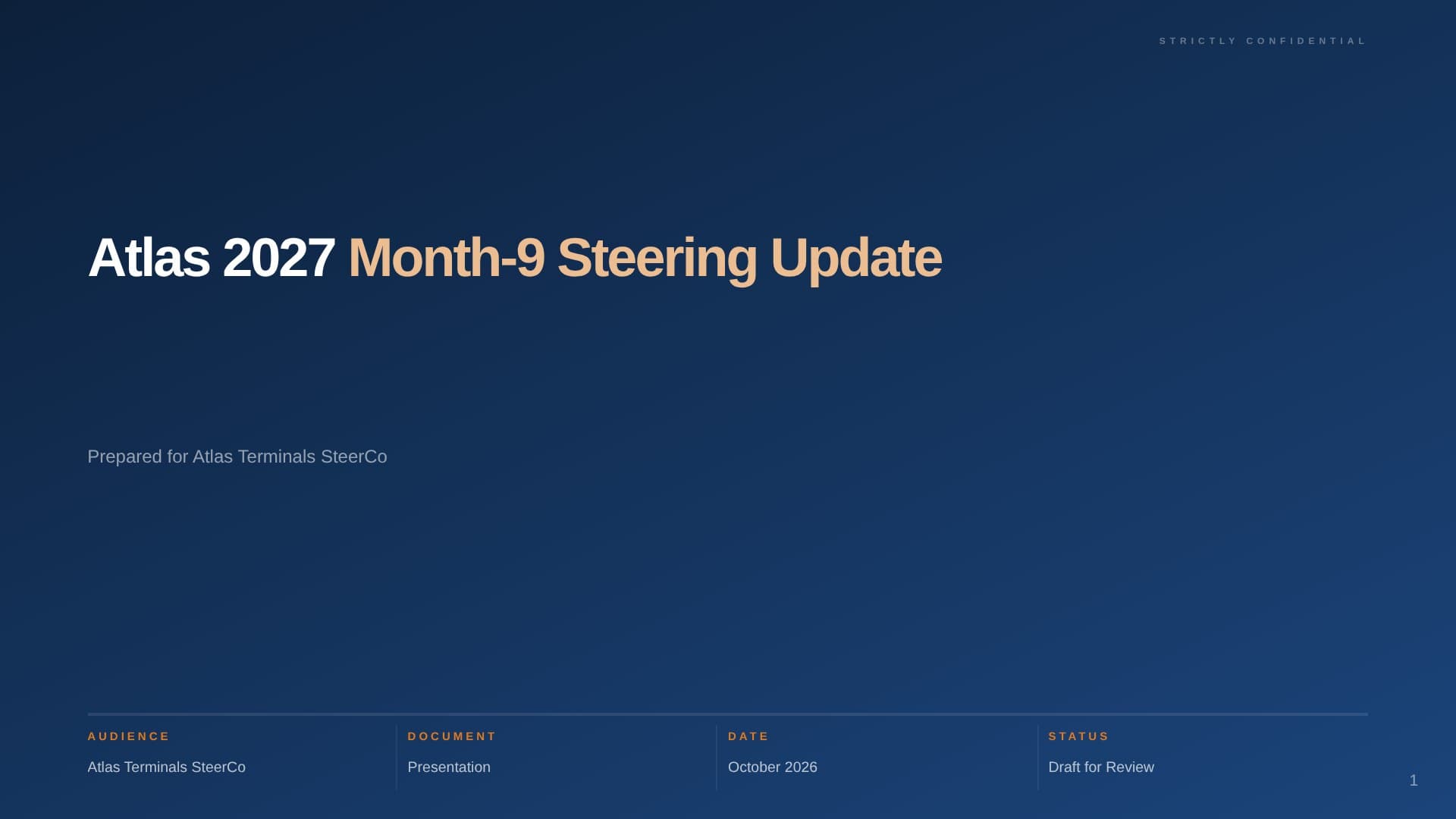
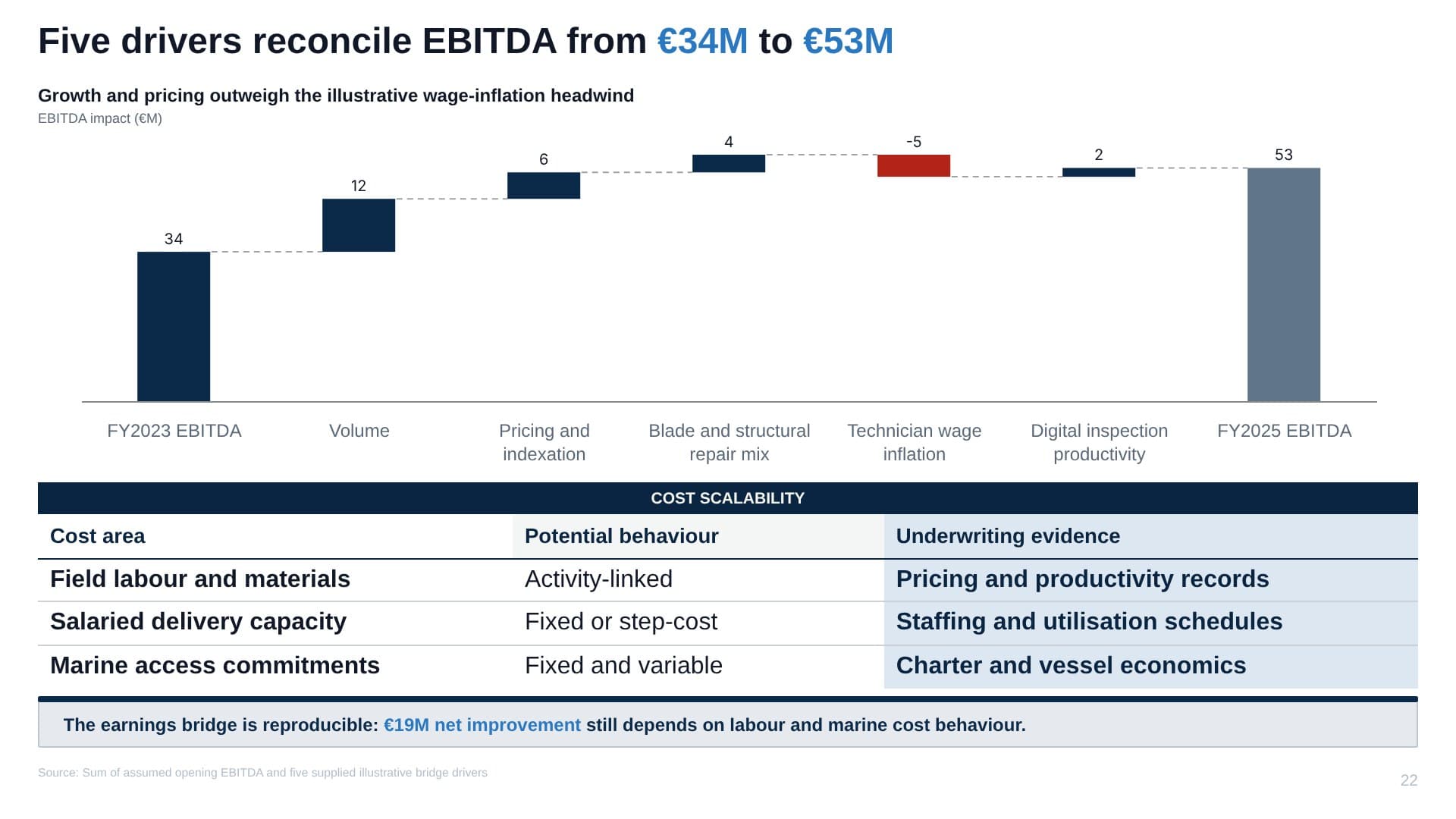
Real, unedited Whyston output
The problem
High-stakes decks are still hand-built, hour by expensive hour.
Proposals, CIMs, board packs: the documents that decide deals are assembled by senior people fighting formatting instead of sharpening the argument.
Strategy consulting
- Analyst nights burned on layout, not analysis
- Quality swings team to team, office to office
- Every proposal rebuilt from a blank page
M&A advisory
- Teasers and CIM chapters rebuilt from data-room scraps
- IC memos and fairness decks under brutal deadlines
- Version chaos across live mandates
Corporate strategy & finance
- Board packs stitched together from a dozen functions
- Agency-level expectations without agency budgets
- The storyline gets lost in the template
The thinking is yours. The production shouldn’t cost you your evenings.
Why not just AI slides?
Generic AI makes slides. Your clients expect an argument.
That gap is storyline, evidence and chart craft. Whyston was built to close it.
The argument
Every deck is one argument, all the way down.
Generic AI tools make slides. Whyston makes an argument: a governing thought, the few mutually exclusive pillars that carry it, and the slides that prove each pillar — every claim marked for where it came from. This is a real one. Follow any slide up to the thesis.
Governing thought
Aviterra should raise €6M now to turn proven poultry economics into a livestock franchise.
Should we back Aviterra’s €6M seed round?
Pillar 1
The market is large and underserved
Size, growth and the share incumbents leave on the table.
Pillar 2
The economics already work
Poultry margins fund the build and transfer to livestock.
Pillar 3
This team can execute the pivot
Shipping record, runway and contracted first revenue.
6 action titles · 22 claims · ✓ 12 sourced · ◆ 6 derived · • 4 assumed — every assumption labelled
Structure after the Pyramid Principle, formalised by Barbara Minto (1973).
Watch it work
From a two-line brief to a defensible draft.
The actual shape of a run: evidence first, storyline second, slides last. No black box.
The brief
Evidence wiki
Blueprint · one pass designs the whole argument
Render · slides compose in parallel
0/6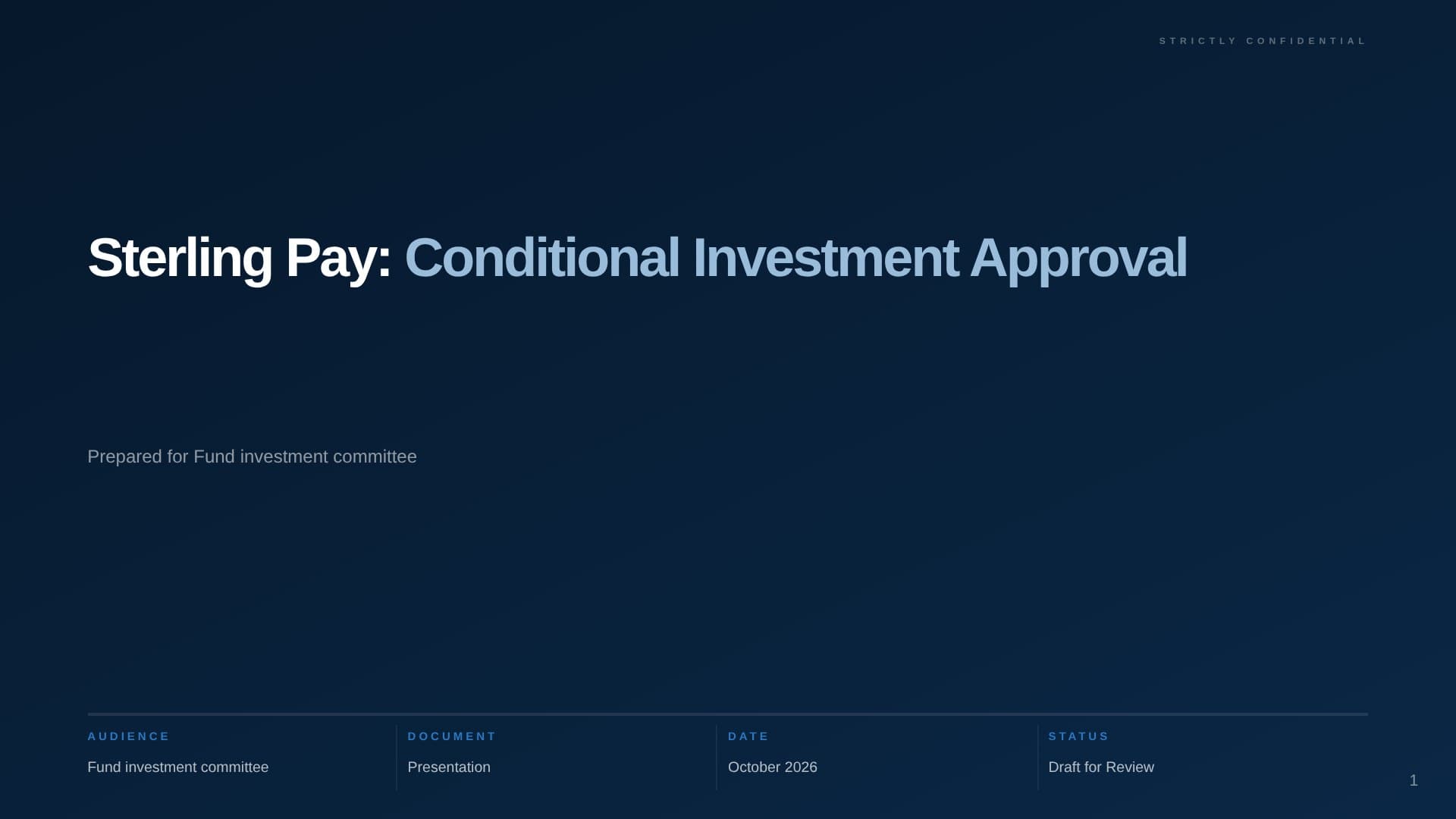
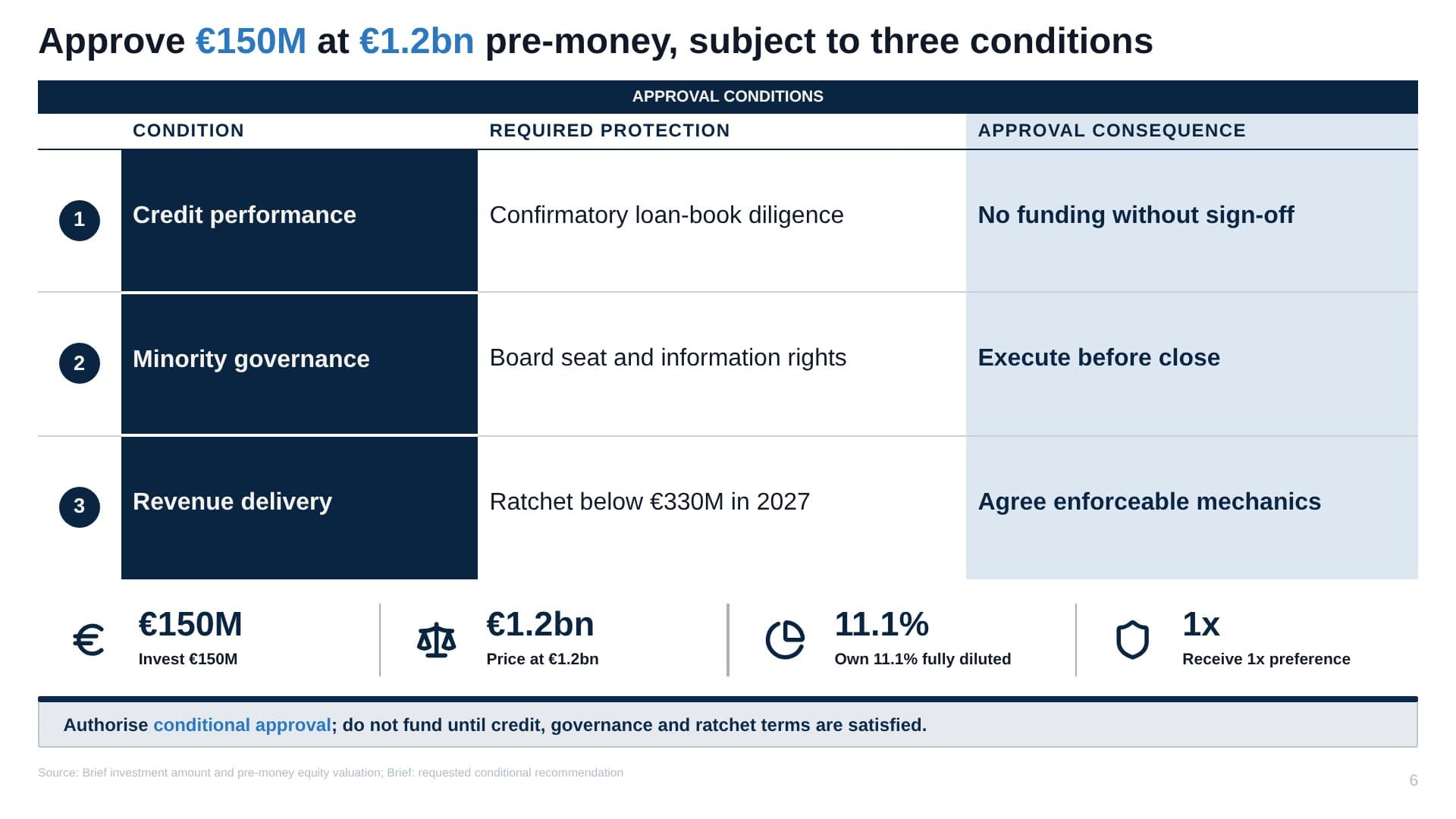
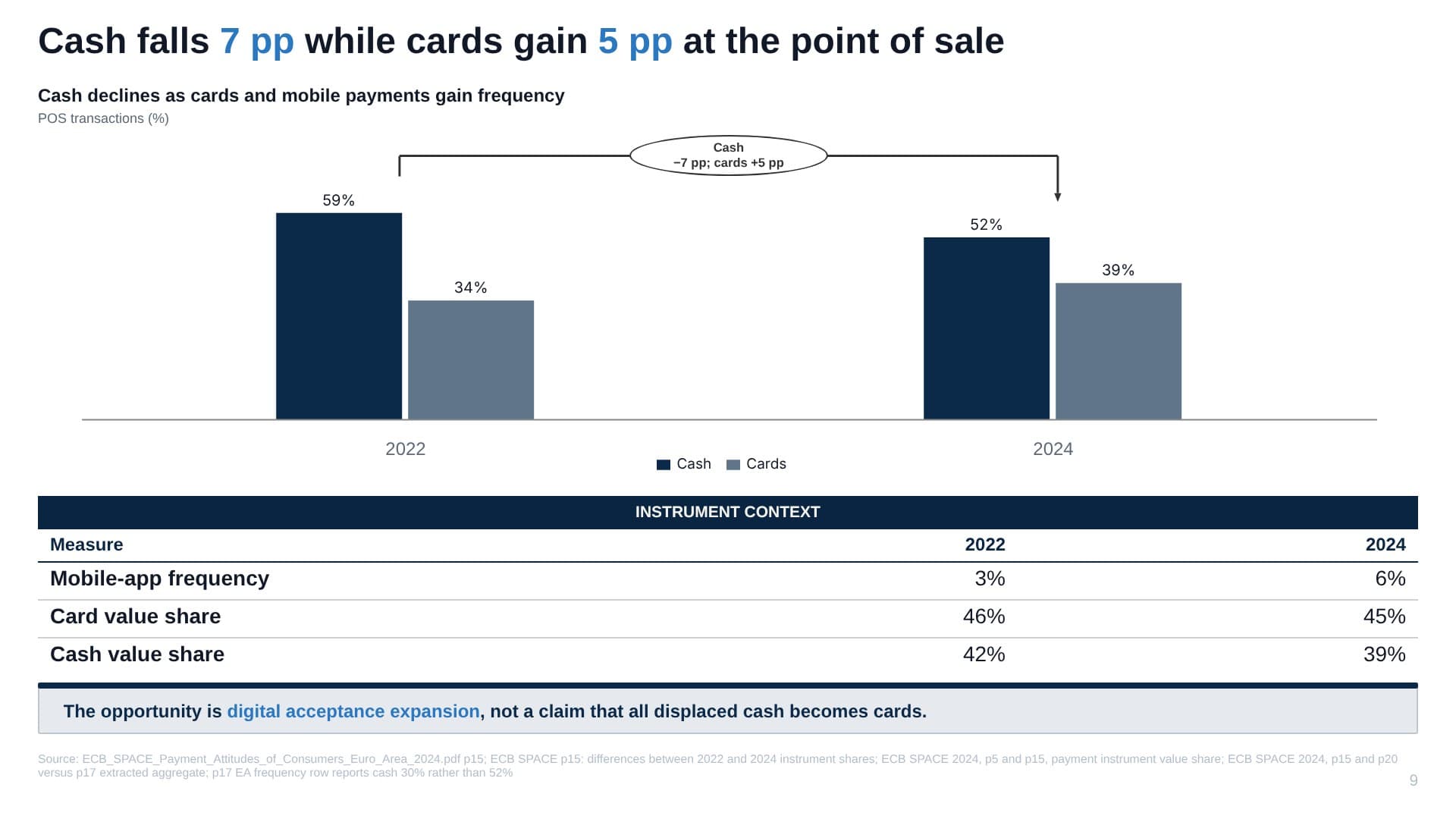
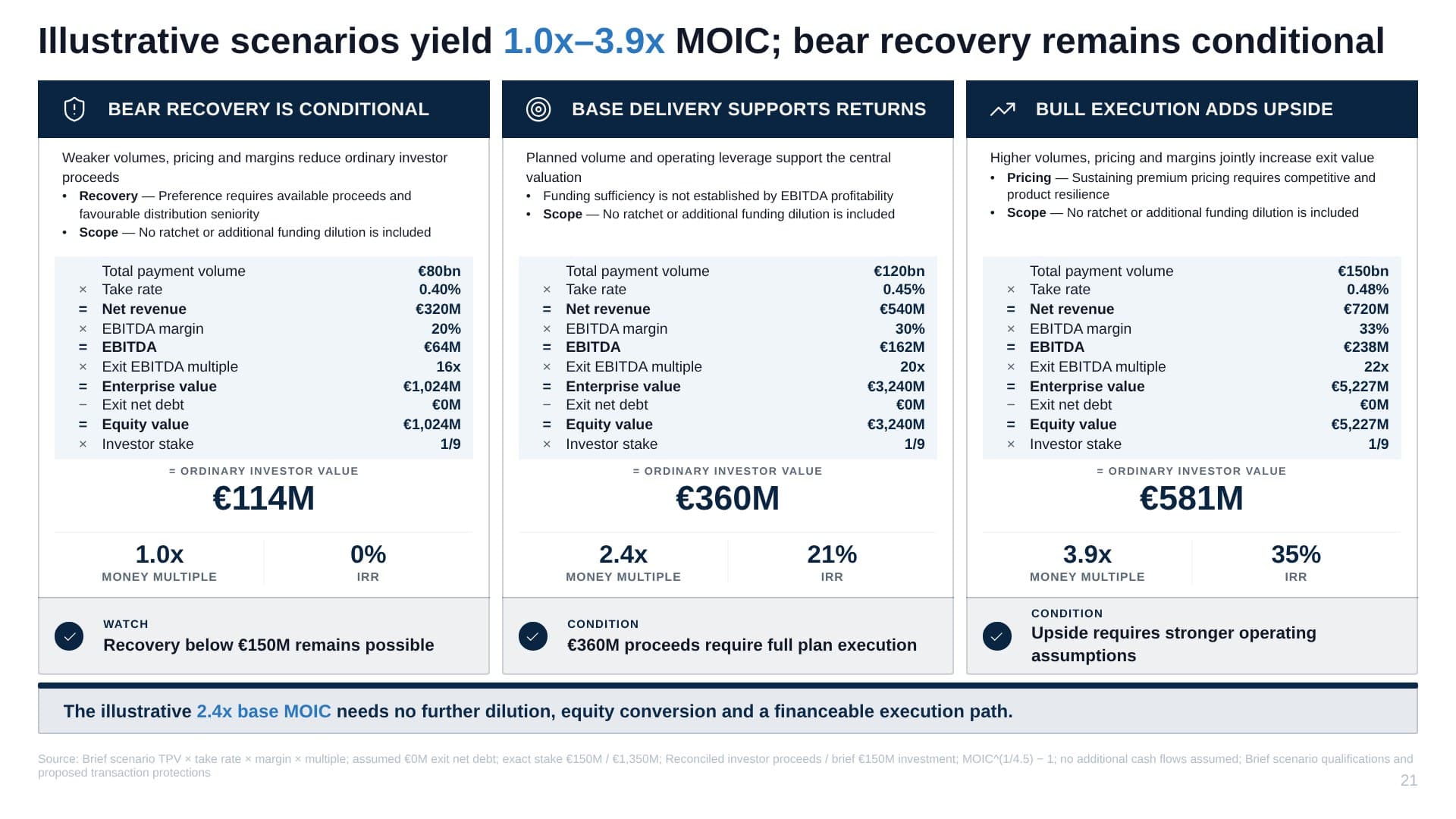
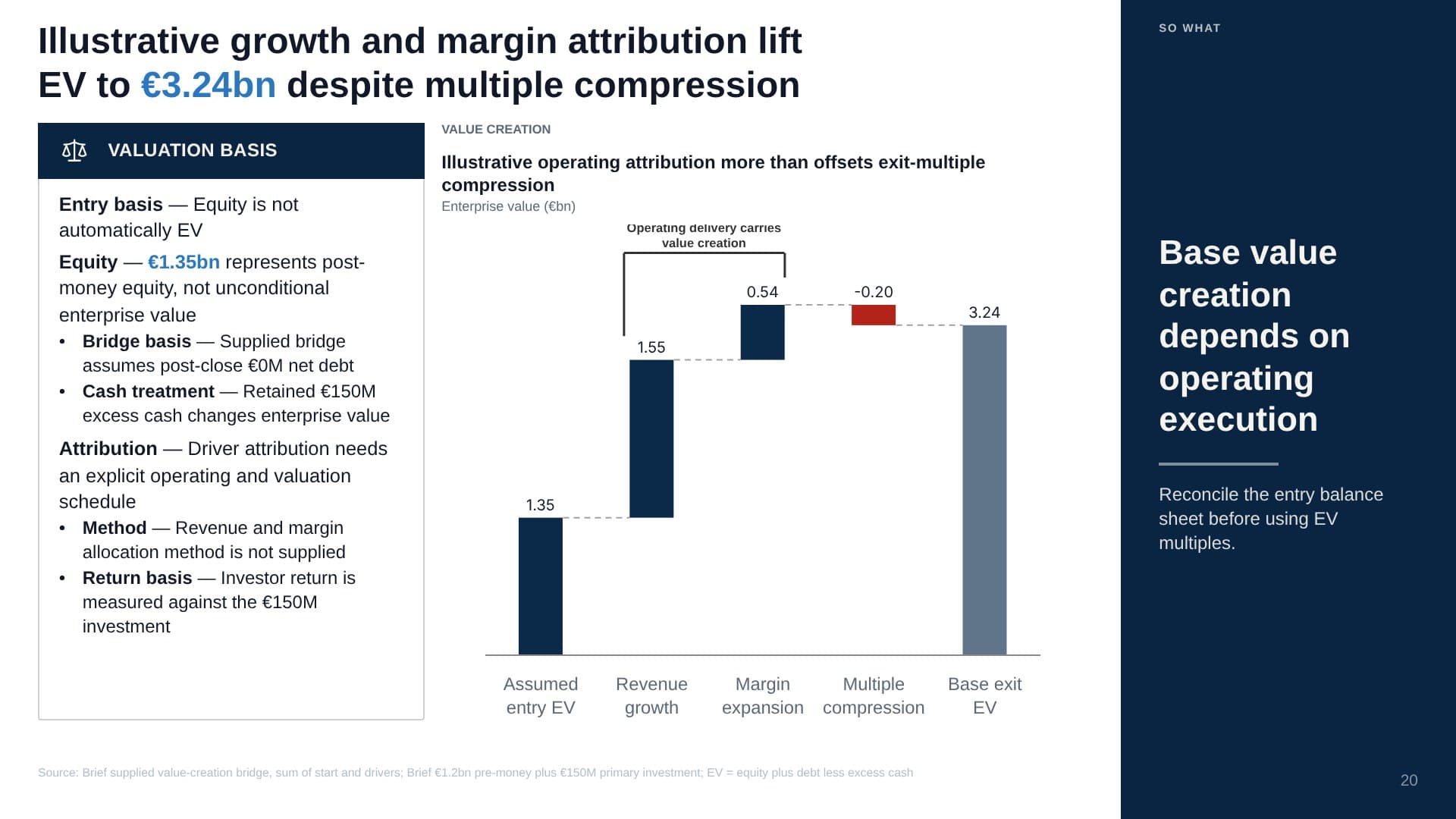
A real run behaves exactly like this: brief in, storyline first, slides in parallel.
The output
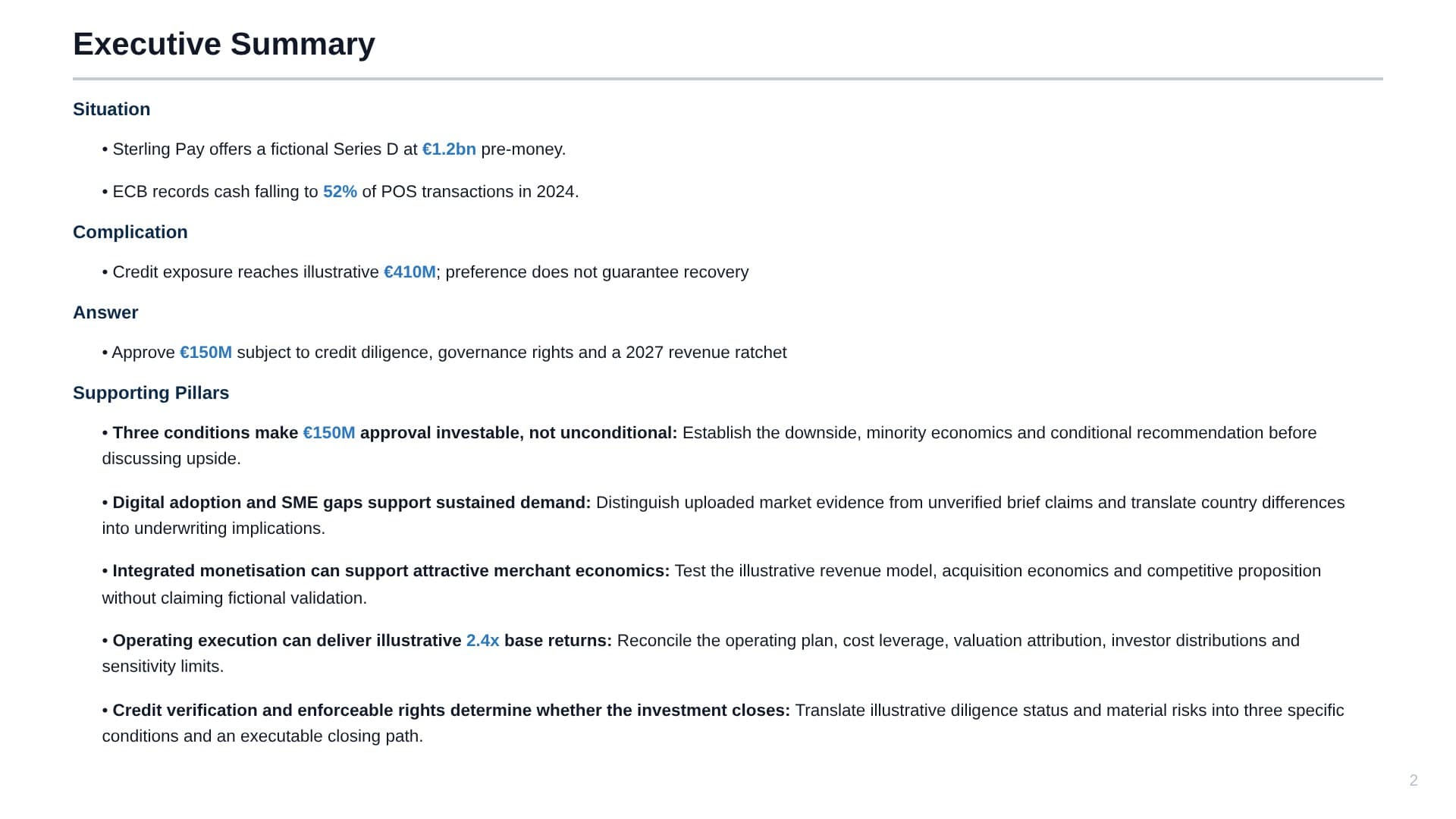
Unedited output, straight from a brief.
Shown in five of 11 built-in themes. Theme Studio matches your firm’s palette and typography.
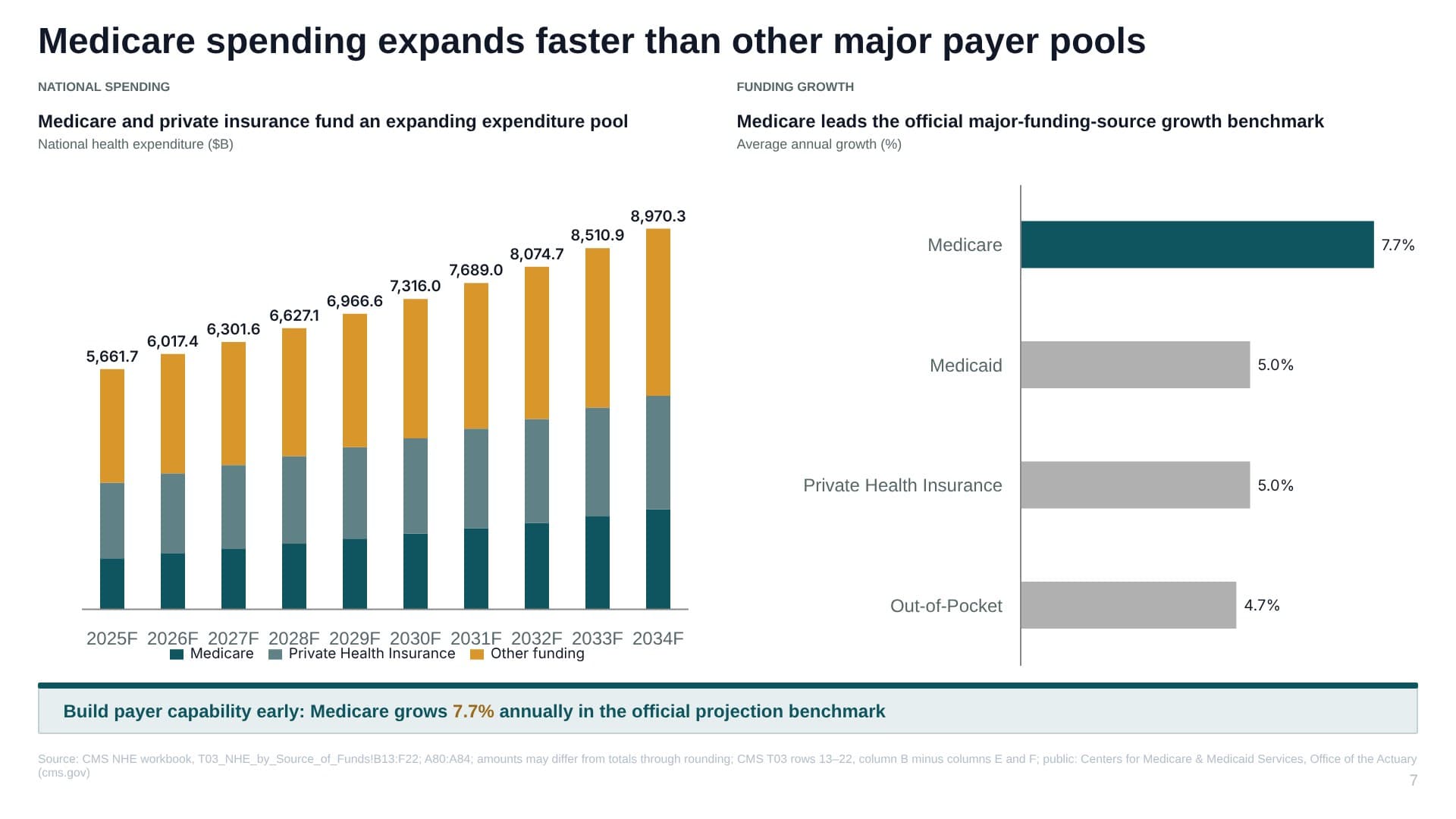
Action title · native charts with the leader highlighted · so-what bar · source line. End to end by Whyston.
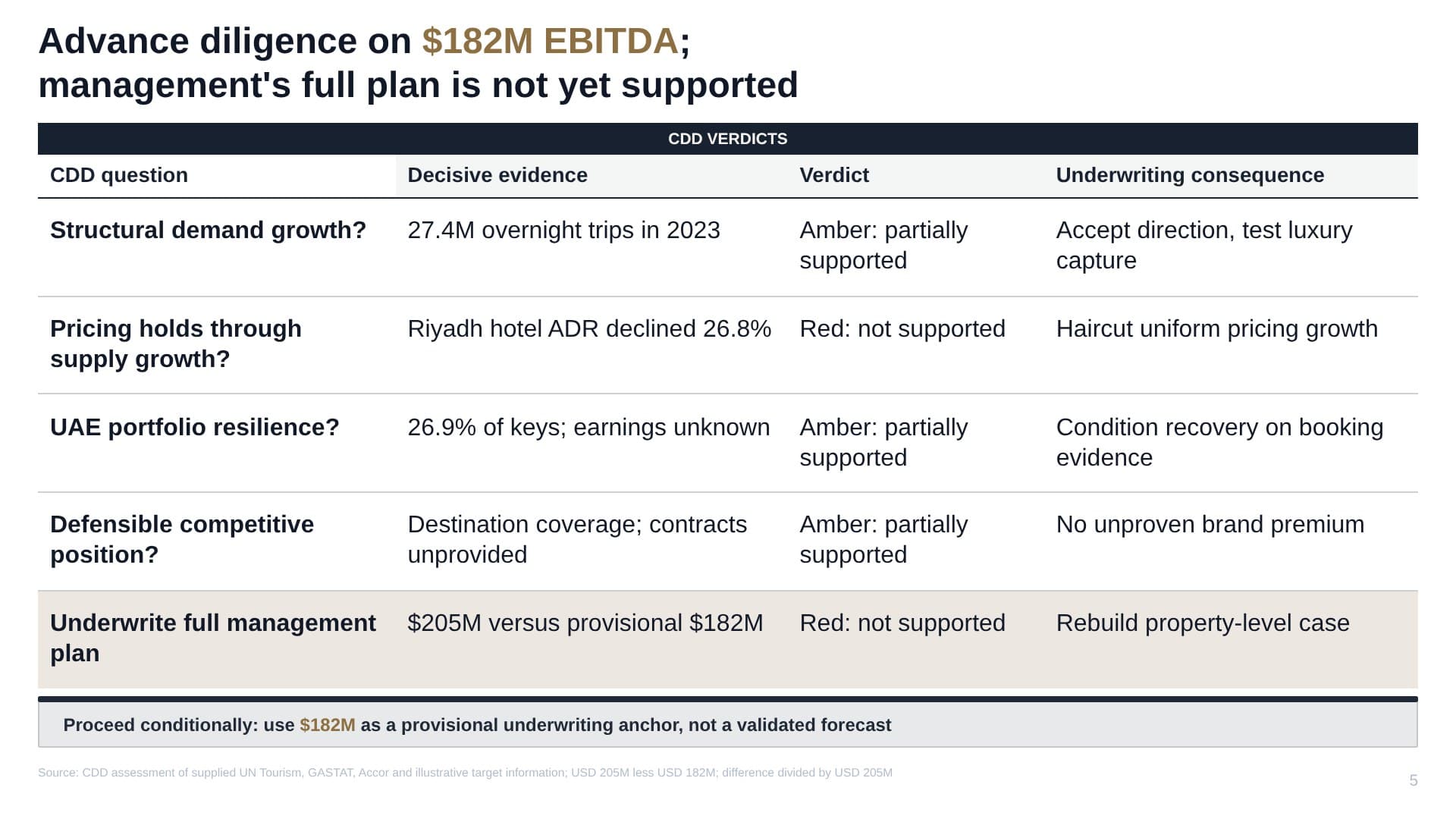
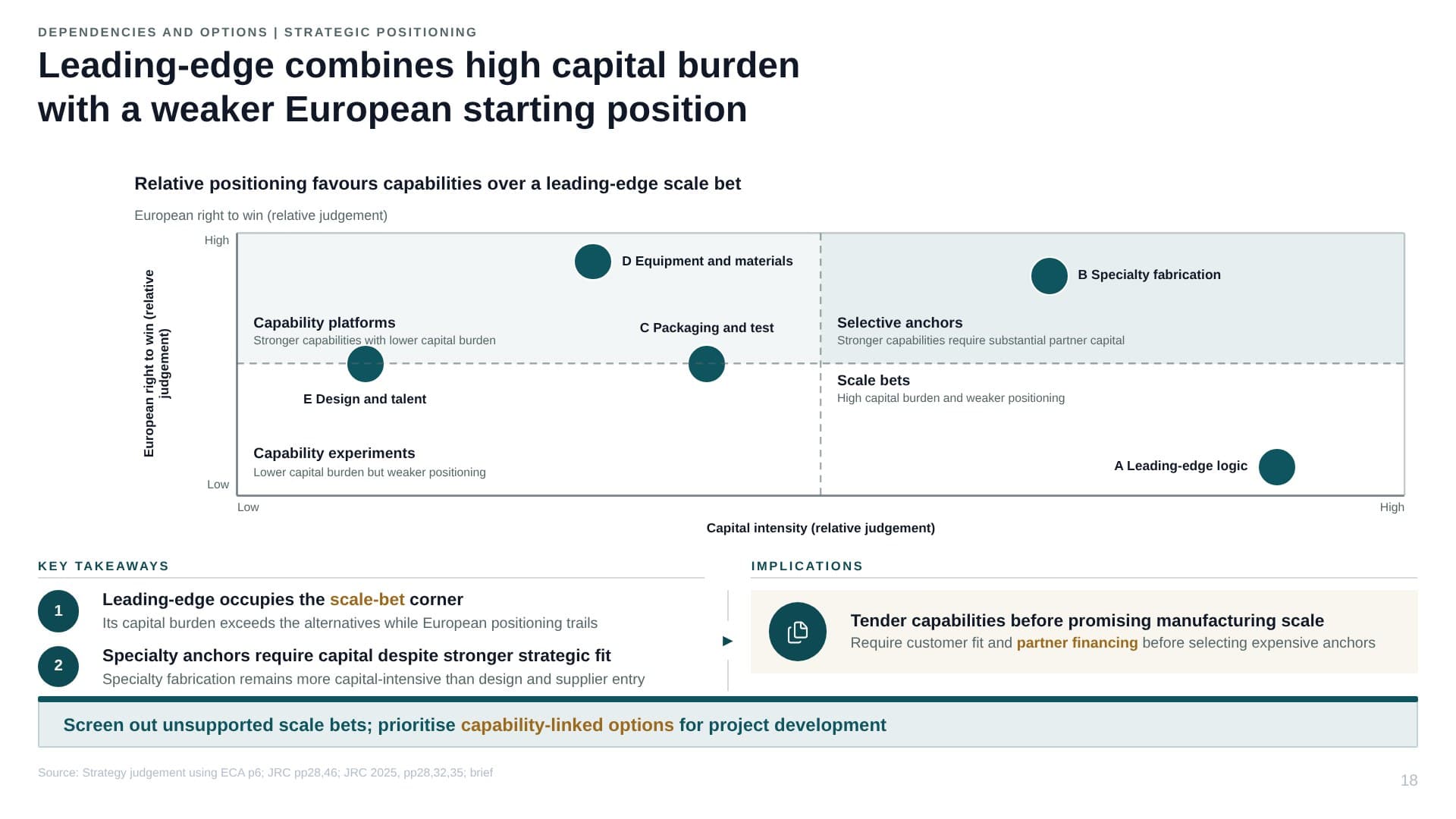
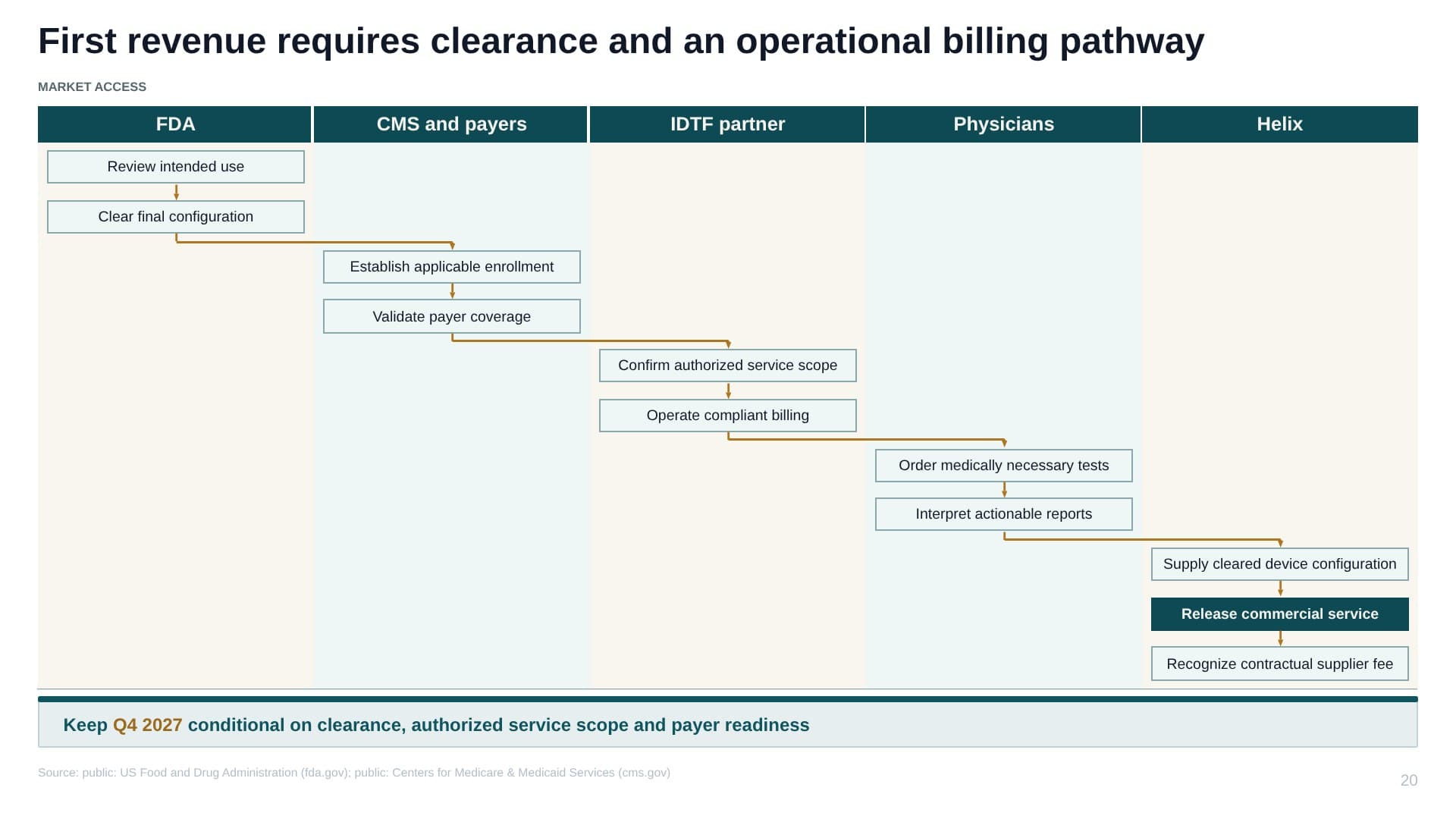
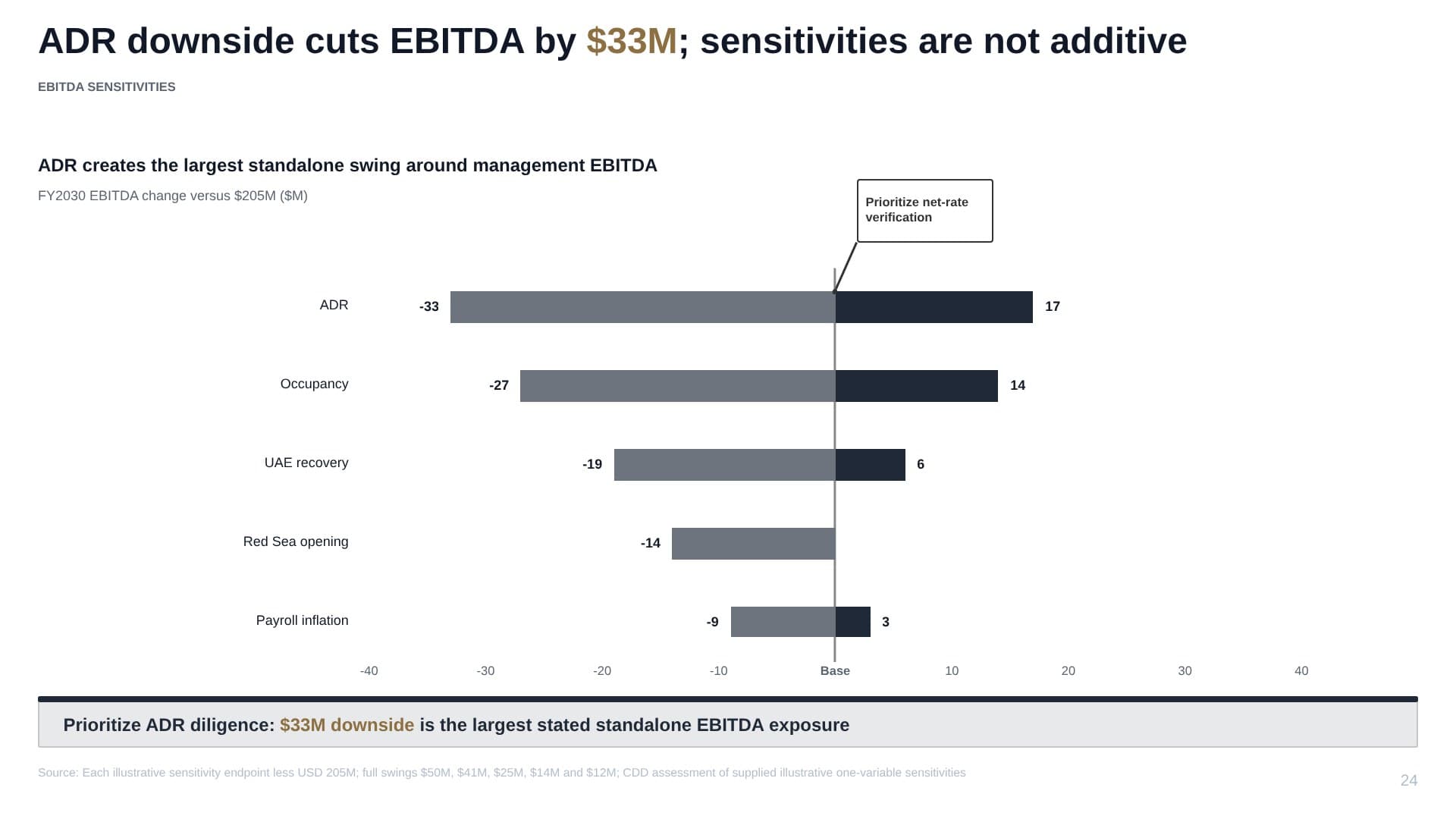
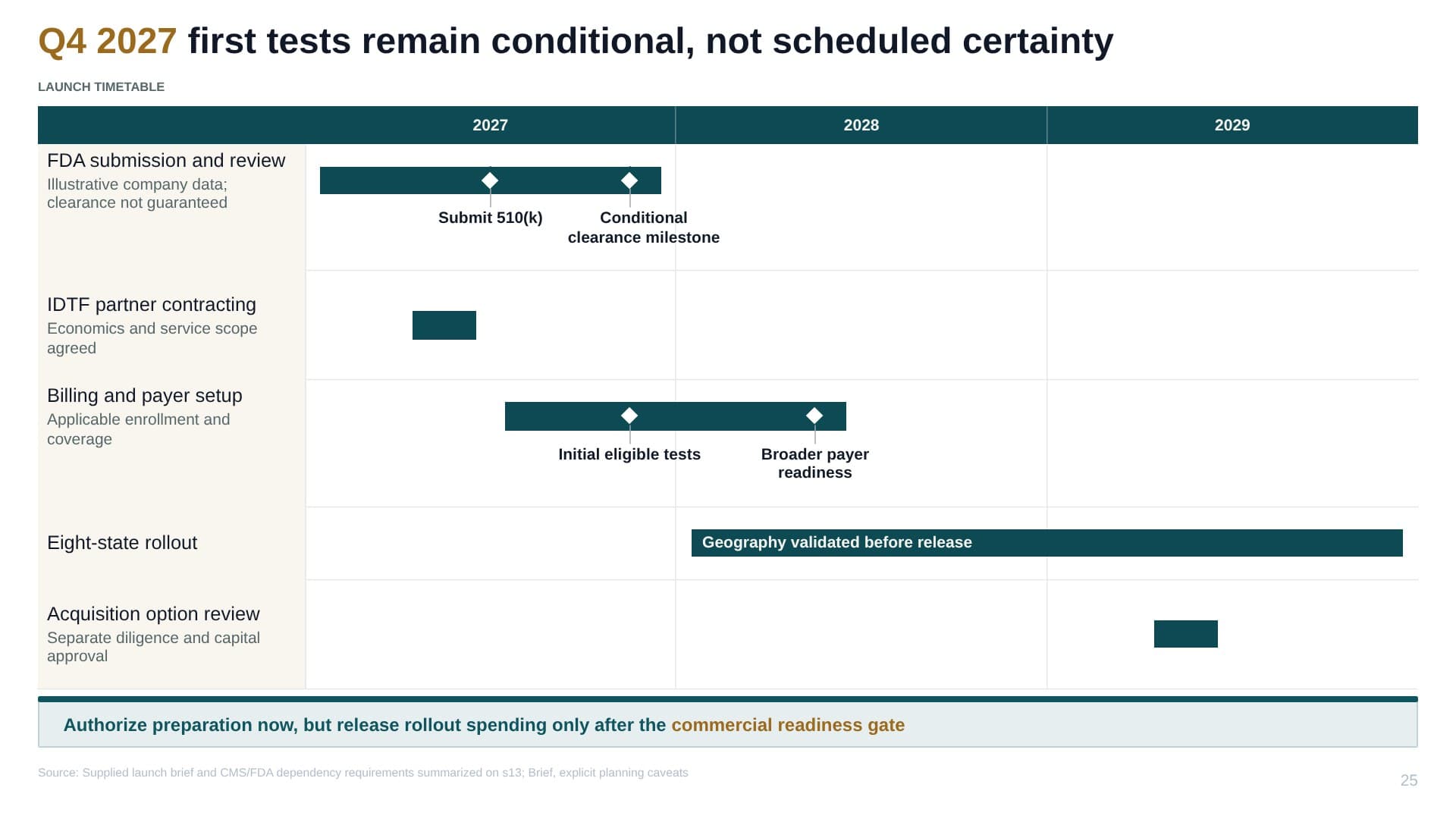
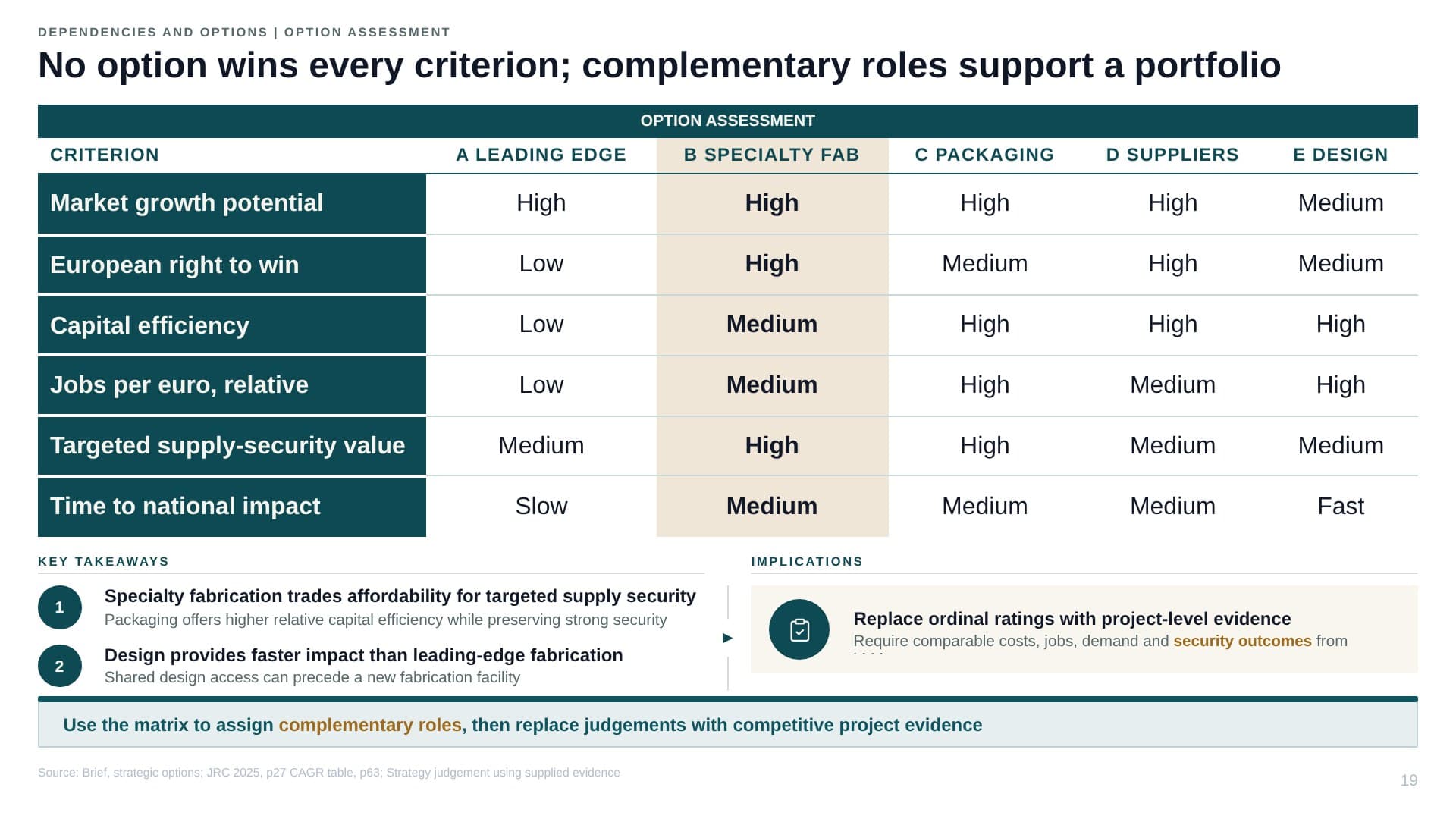
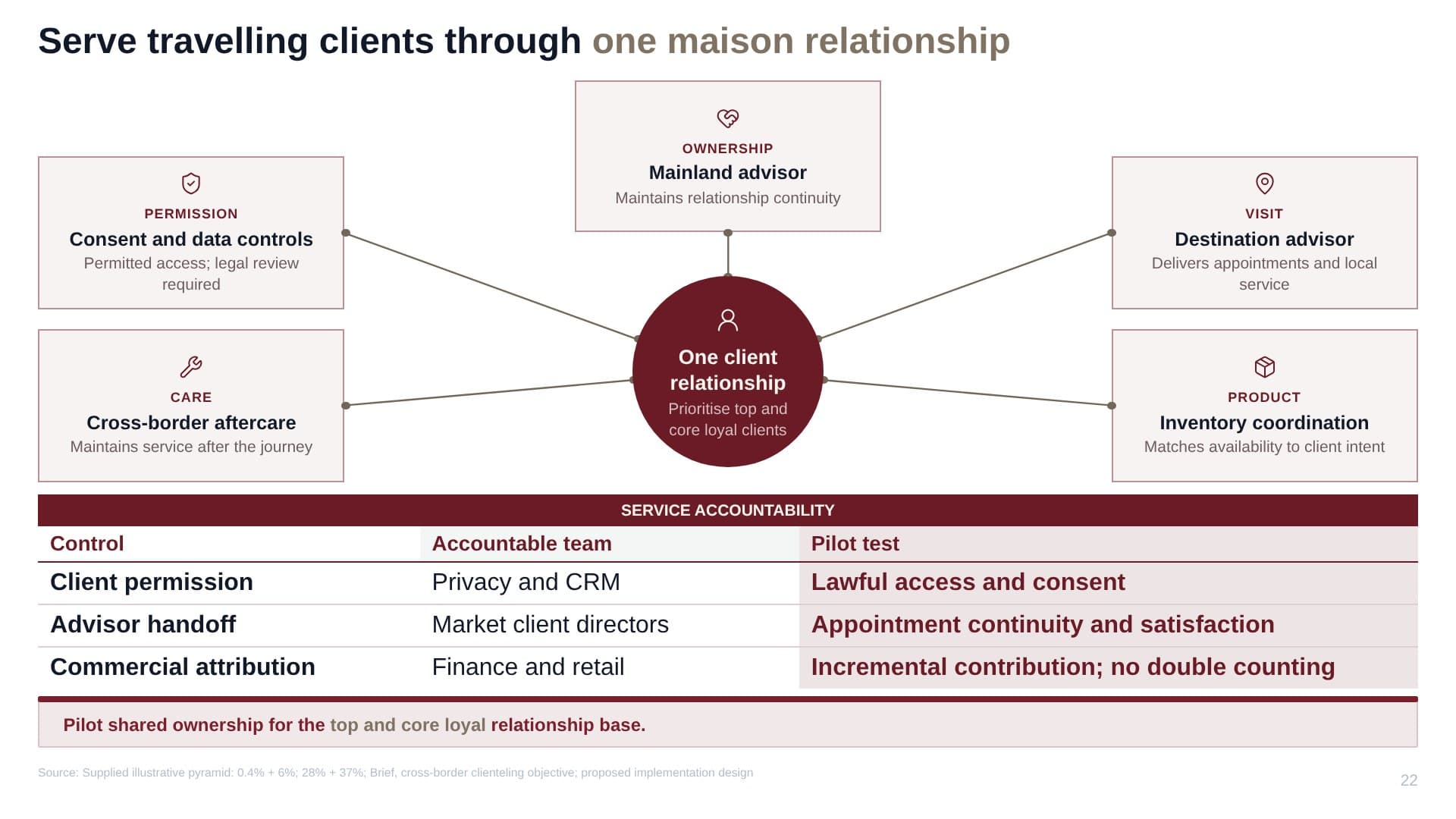
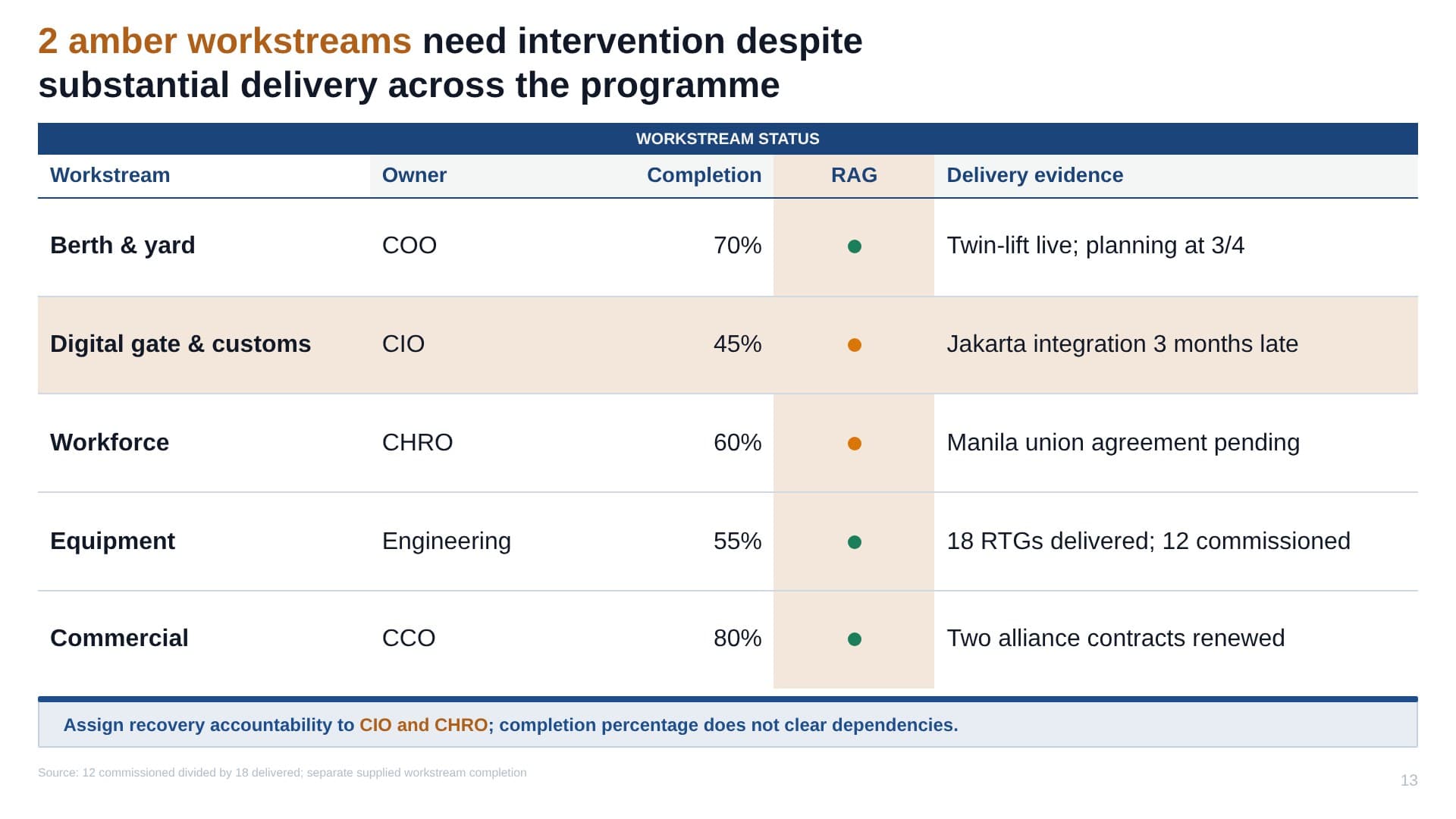
Drag to explore. Every slide unedited, straight from a brief.
Under the hood
Not a wrapper around a chatbot. A composition engine.
Anyone can ask an LLM for bullet points. Whyston encodes how top-tier decks are actually built: the storyline is designed first, every slide carries an evidence contract, and a deterministic layout engine renders it. Copyfitting, collision-free annotations, legibility guards.
The model designs the argument. The engine guarantees the slide.
1 · Blueprint
one pass designs the whole argument
2 · Render
every slide composed in parallel
Evidence discipline
Every number on every slide traces back to your documents.
Drop the data room
PDF, PPTX, DOCX, XLSX, CSV, MD. Decks, models, contracts, notes.
Whyston builds an Evidence Wiki
A structured, reusable knowledge base: facts, figures and quotes, ready to cite.
Slides draw only from it
Validators block claims without a source. Charts never invent data.
Confidential by design: pilot engagements start with a DPA and a confidentiality review.
Fits how you work
It ends in PowerPoint, because that’s where your work lives.
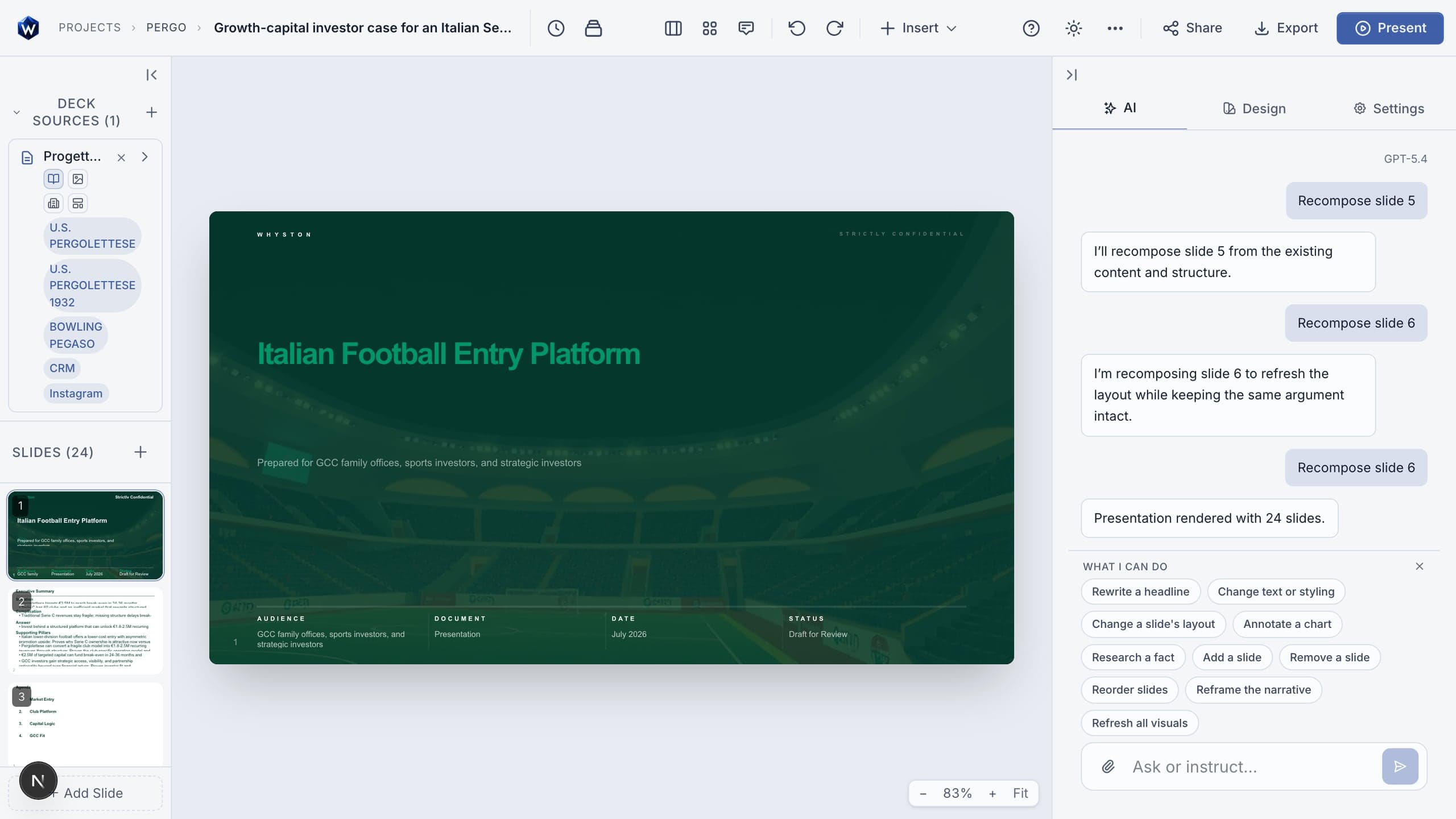
A full editor, not a black box
- Click-to-edit everything: text, charts, layouts, images
- Smart layouts: a new look and feel in one click, content kept
- 11 themes plus Theme Studio for your brand
Native export
- PPTX with real, editable shapes and charts
- PDF for read-outs and sharing
- No screenshots pretending to be slides
A PowerPoint add-in
- Generate and edit without leaving PowerPoint
- One-click install, listed on Microsoft AppSource
- Enterprise rollout via the M365 admin center
The math
Senior hours are the most expensive way to move boxes.
Count what deck production costs your team today. Then take most of it back.
Assumes 46 working weeks and roughly 60% of deck-production time removed once first drafts arrive generated. Move the sliders to your own numbers; the argument survives conservative ones.
The partner pilot
Four weeks, on your real work. Not a demo dataset.
Kickoff
Pick 2–3 recurring deck types, define the quality bar. DPA and workspace setup.
Side-by-side
Your team runs live workstreams with Whyston alongside the usual process. White-glove support.
Team rollout
3–5 users hands-on. We measure time-to-first-draft, adoption and output quality.
Decision
Results against the bar you set, a pricing proposal, go or no-go. No strings attached.
What we ask
2–3 real, recurring deck types · 3–5 users who care · honest feedback in a weekly 30-minute check-in
What founding partners get
Pilot pricing · white-glove onboarding · a direct line to the founder · weight on the roadmap
Bring one deck. We’ll generate it in front of you.
A 30-minute working session, live generation on your material. Decide the pilot on evidence, not slideware.
Confidential by design
Client work stays client work.
An EU company under GDPR
Whyston is built and operated by Vitero Corp s.r.o. in the European Union. Pilots start with a DPA.
Encrypted everywhere
Your documents and decks are encrypted in transit and at rest.
Strict tenant isolation
Row-level security in the database. Your workspace is invisible to anyone outside it.
Your content stays yours
You own every upload and every deck. We don’t train models on your content.
Generic AI tools make slides; Whyston makes an argument. It designs the storyline first (SCQA, MECE pillars, action titles), ties every claim to your uploaded evidence, and renders native charts with consulting-grade annotations. The output is a document a partner can defend, not a stack of pretty layouts.
PDF, PPTX, DOCX, XLSX, CSV, Markdown and more. Whyston digests everything into an Evidence Wiki: a structured, citable knowledge base of the facts, figures and quotes in your material. Slides draw from it, and only from it.
No. Every chart passes an evidence gate: figures must trace back to your documents, and validators block claims without a source. If the evidence isn't there, Whyston says so instead of improvising.
Yes. Exports are native PPTX with real, editable shapes and charts, not screenshots pretending to be slides. There's also a PowerPoint add-in, listed on Microsoft AppSource, so you can generate and refine decks without leaving PowerPoint.
You do. Your uploads and your generated decks are yours. We don't train models on your content, and pilot engagements start with a DPA.
Your first 3 decks are free, no card needed. Pro is €29 per month or €288 per year plus VAT and includes 20 decks every month. Teams start with a paid four-week pilot that is credited to the annual licence; founding pilot partners get pilot pricing, white-glove onboarding and a direct line to the founder.
Yes: four weeks, on your real work. Pick 2–3 recurring deck types, run them side by side with your usual process, roll out to 3–5 users, then decide on evidence. Write to support@whyston.com to set it up.
The interface is in English; generated decks come out in 12+ languages, including Italian, German, French and Spanish.
Your next board pack, already drafted.
Two minutes to sign up. A brief and your documents to a first draft a partner can argue with.